Report a problem: errors, questions and wishes straight from ImotDesk
Report with one click – the page is sent along automatically, and you can always see how far the work has progressed.
Read article →Record search requests, let ImotDesk find matching properties and follow every client to the deal.
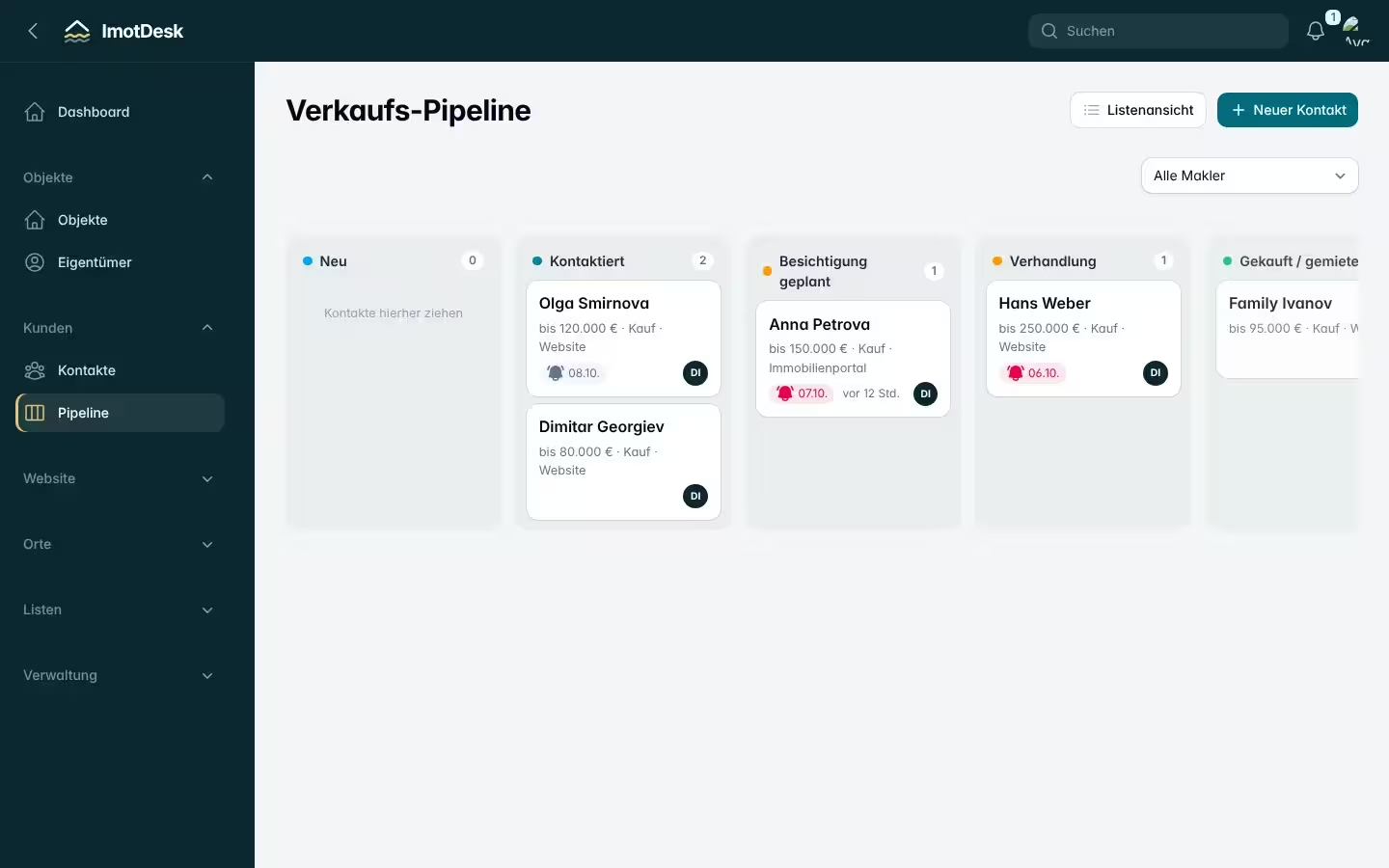
Under Customers → Contacts add buyers: name, phone with country code, language and – most importantly – the search request: places, property type, budget, area and rooms.
For every contact ImotDesk shows the properties that match the request. When a new matching property comes in – even from a partner – the responsible agent gets a notification. So you call the client before they buy elsewhere.
The pipeline shows all clients as cards by stage: new, in contact, viewing planned, negotiation, bought. Simply drag a card into the next column.
Set a date for the next step on every contact. Every morning the dashboard shows who is due today – overdue dates are marked red.
Inquiries from the contact form of your ImotDesk website arrive automatically in the CRM as a contact together with the requested property.
Report with one click – the page is sent along automatically, and you can always see how far the work has progressed.
Read article →
Sign up, enter your company details, invite colleagues and add your first property – step by step.
Read article →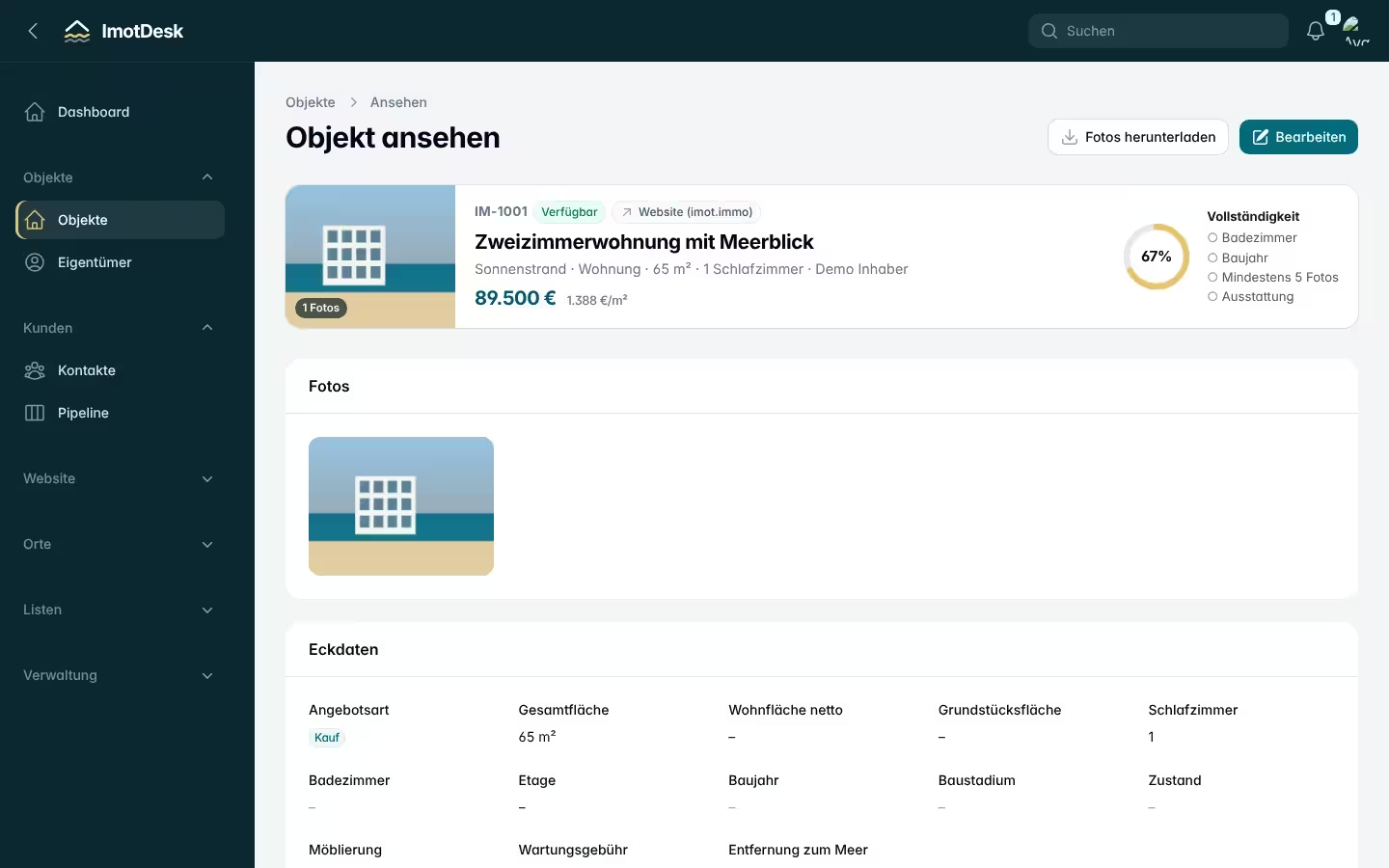
How to create a complete listing in a few clicks – without typing coordinates or complex details.
Read article →