First steps: ready to go in 10 minutes
Sign up, enter your company details, invite colleagues and add your first property – step by step.
Read article →Report with one click – the page is sent along automatically, and you can always see how far the work has progressed.
Under Support → Report a problem you see all your reports with their status:
You get a notification (bell at the top right) for every change and every reply. You can reply in the report – if the problem is not solved after all, this reopens the report automatically.
Company administrators see the reports of all colleagues in their company.
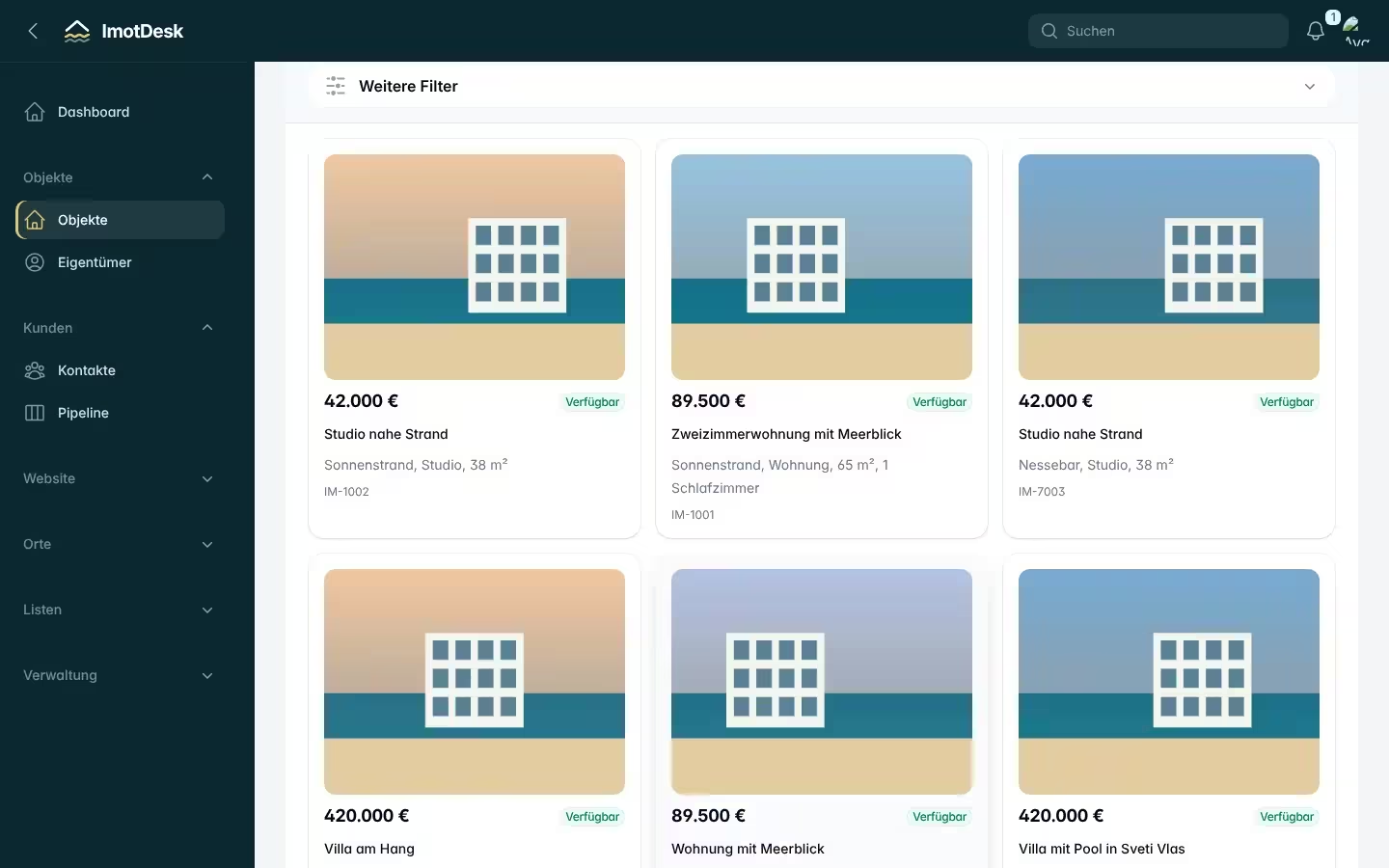
Sign up, enter your company details, invite colleagues and add your first property – step by step.
Read article →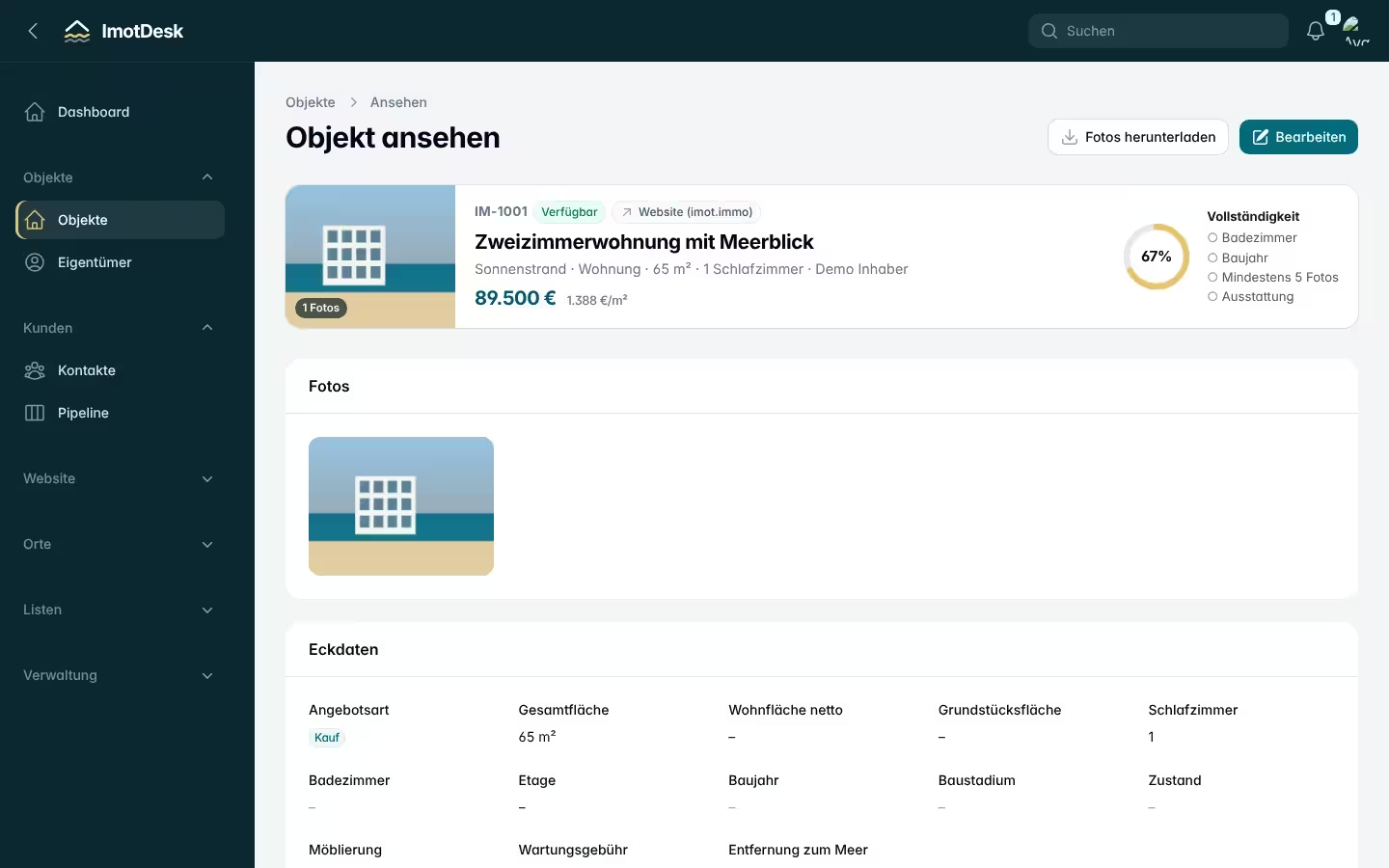
How to create a complete listing in a few clicks – without typing coordinates or complex details.
Read article →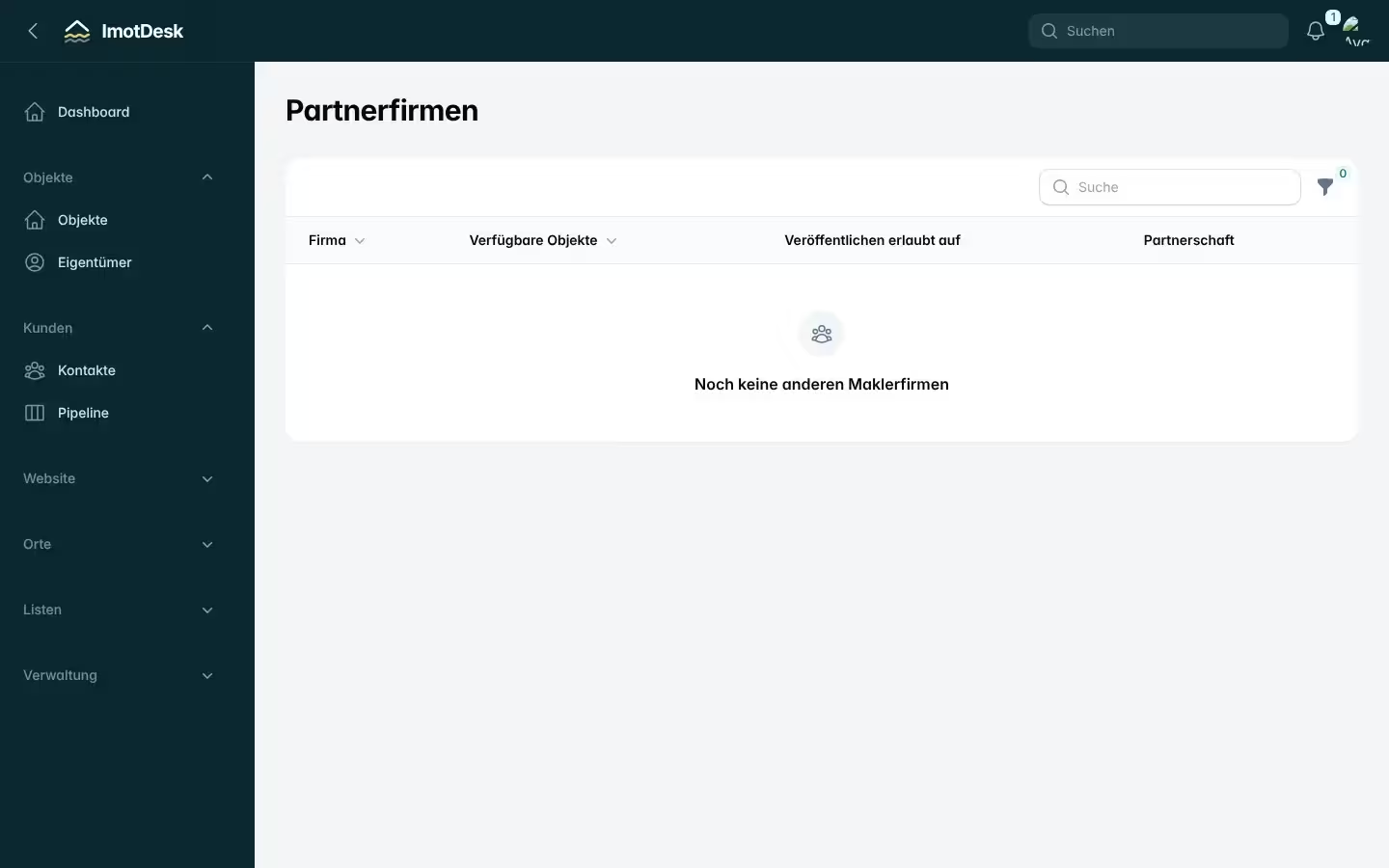
Find partners, share properties, set a commission per property and decide where partners may advertise.
Read article →