Report a problem: errors, questions and wishes straight from ImotDesk
Report with one click – the page is sent along automatically, and you can always see how far the work has progressed.
Read article →Find partners, share properties, set a commission per property and decide where partners may advertise.
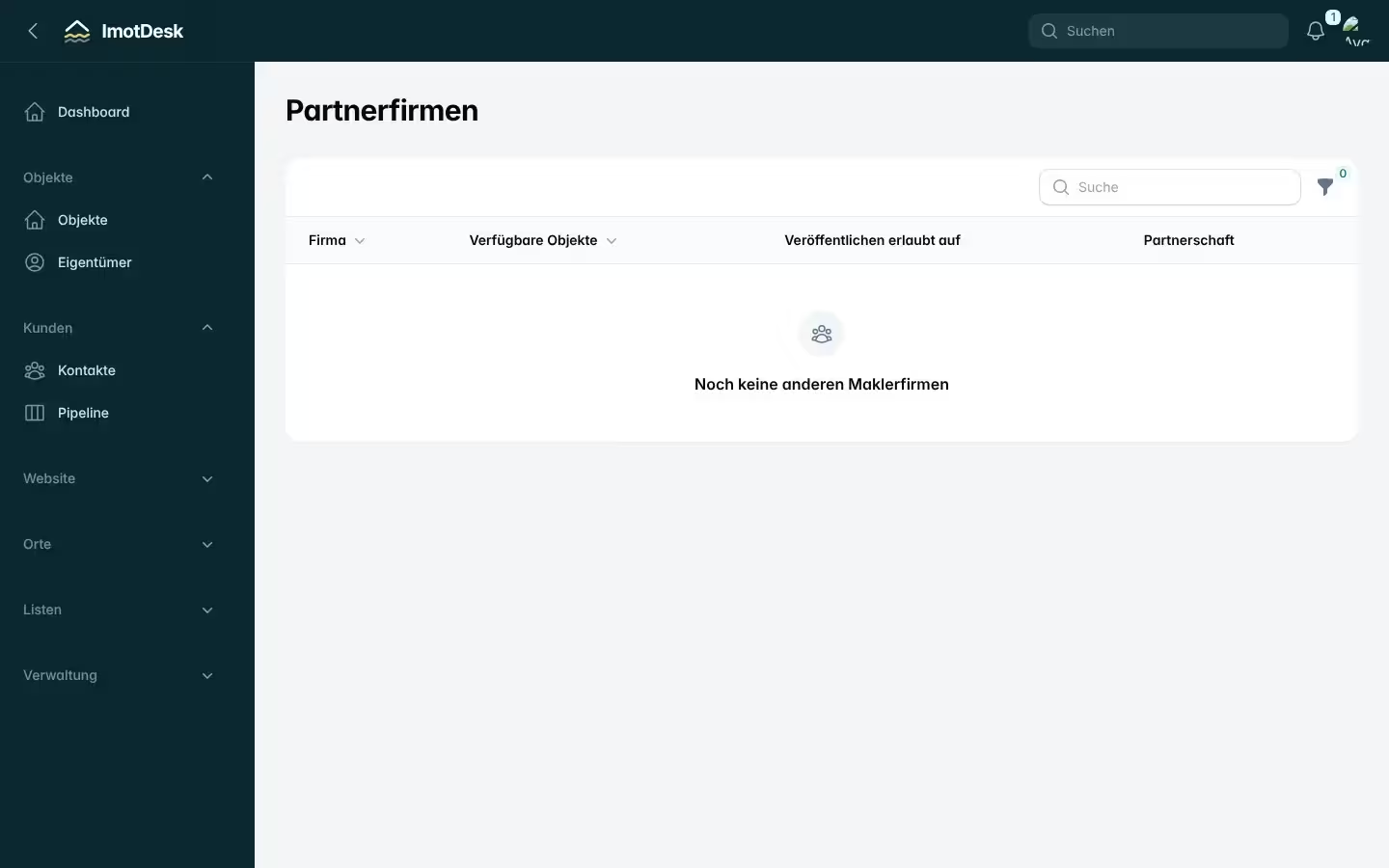
More agents mean more buyers. In ImotDesk agencies work together without revealing owner data or internal notes.
Under Administration → Find partners you see all agencies with the number of available properties and where they let partners advertise. Request partnership sends a request; the other agency accepts or declines it on its dashboard with one click.
In the property’s partner section you decide:
With Partner list (Excel) in the property list you create a spreadsheet of your shared properties with key data, commission, permitted advertising and a link to the photos as JPG. The link works as long as the property is available and shared with partners.
Either side can end a partnership at any time with Cancel partnership. Mutual sharing stops immediately.
Report with one click – the page is sent along automatically, and you can always see how far the work has progressed.
Read article →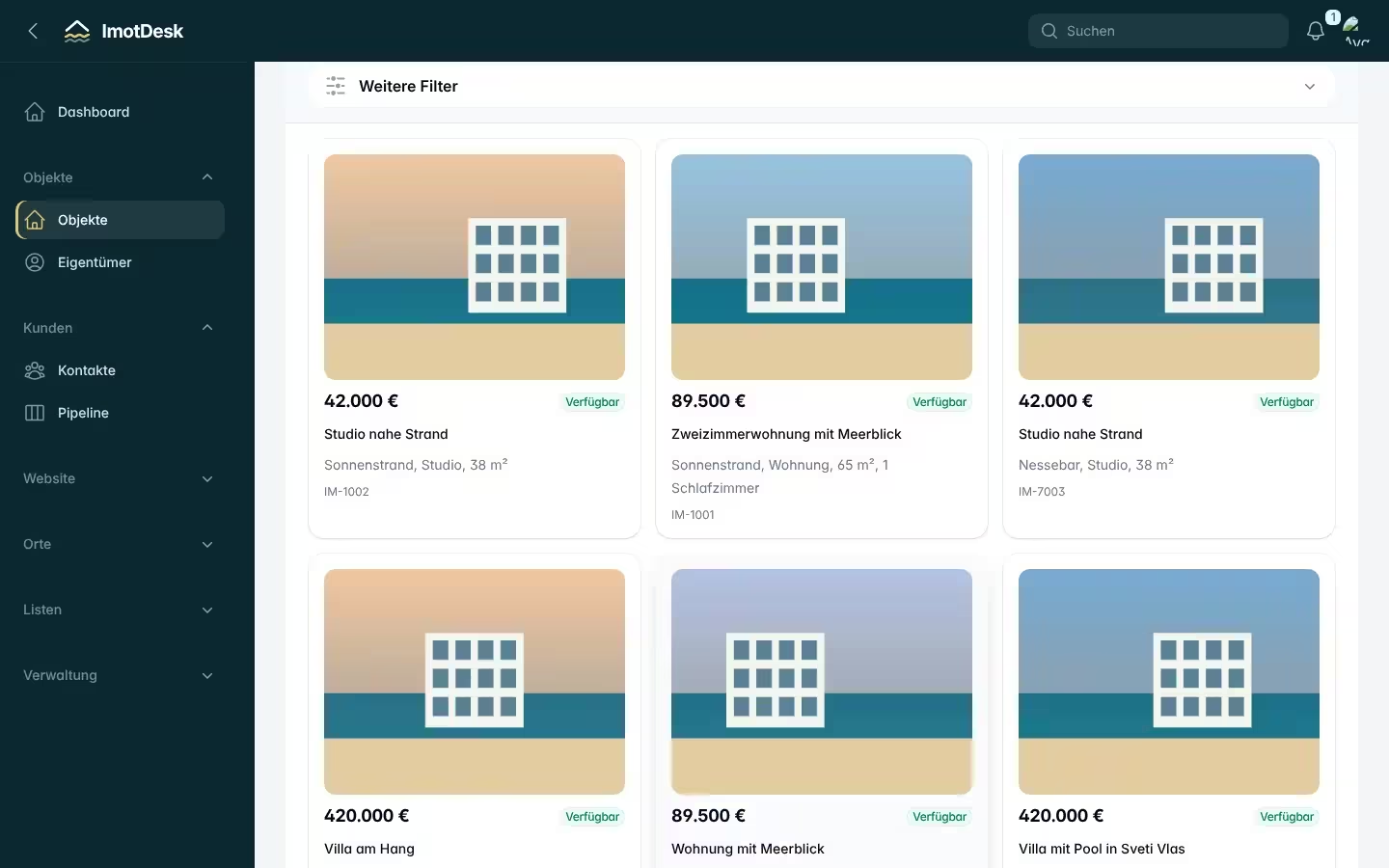
Sign up, enter your company details, invite colleagues and add your first property – step by step.
Read article →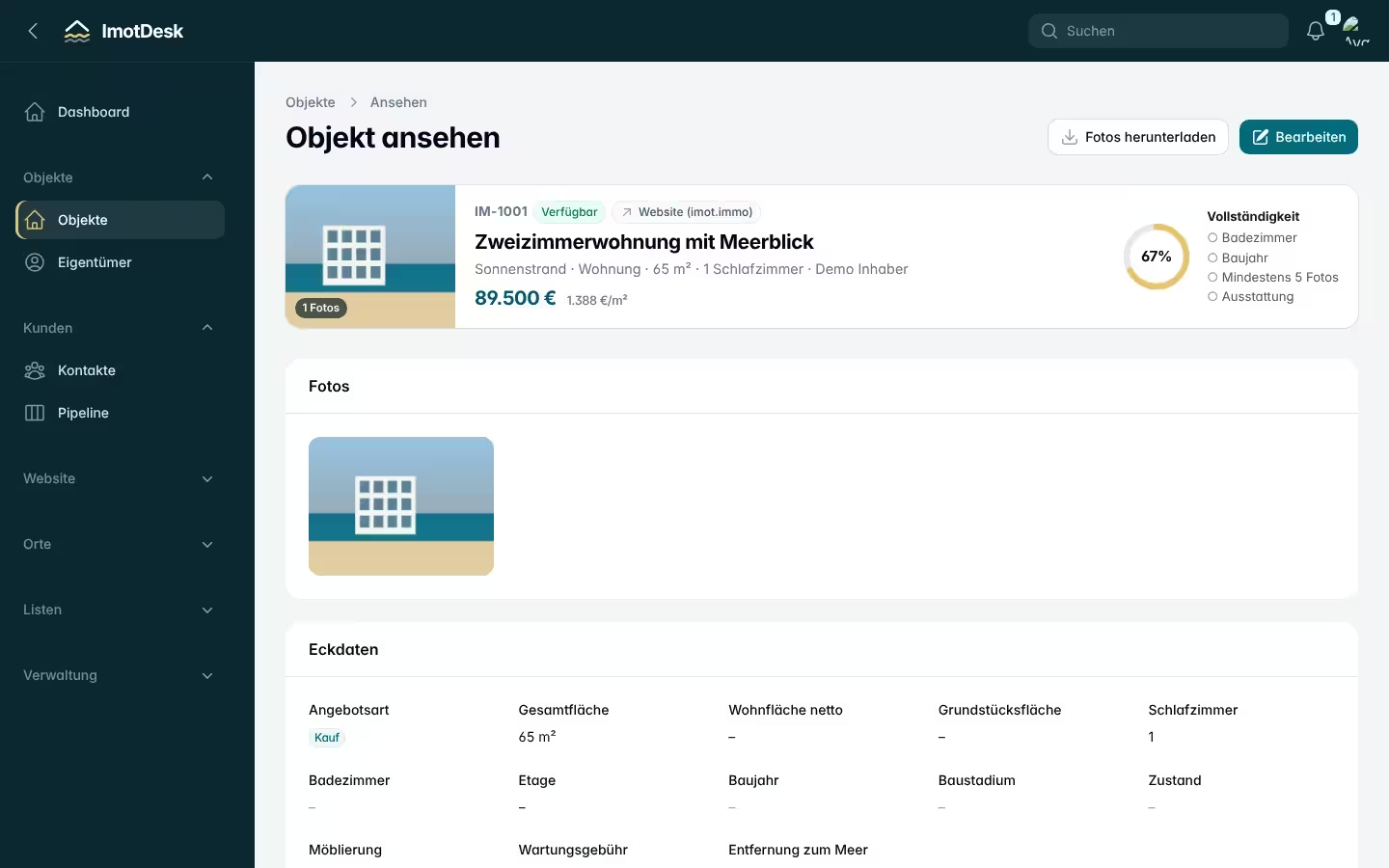
How to create a complete listing in a few clicks – without typing coordinates or complex details.
Read article →