Report a problem: errors, questions and wishes straight from ImotDesk
Report with one click – the page is sent along automatically, and you can always see how far the work has progressed.
Read article →How to create a complete listing in a few clicks – without typing coordinates or complex details.
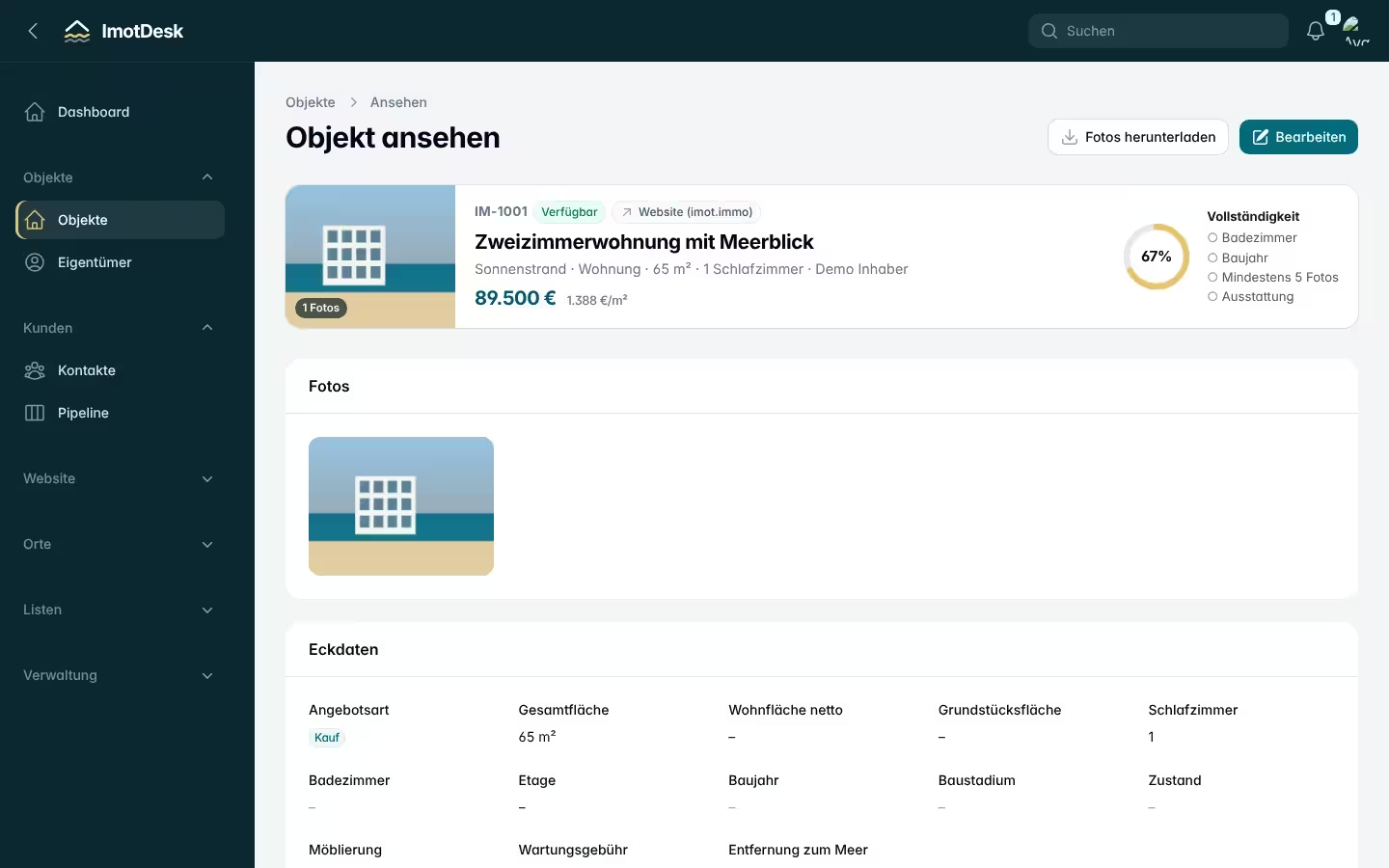
First choose the place. If the property is in a holiday complex, select it from the list: ImotDesk fills in country, region and place, address, map location, maintenance fee and the complex amenities (pool, reception, parking …). You only add what concerns the apartment itself.
If a complex is missing, report it with Report missing complex. It is reviewed and added with all its details.
Without a complex, set the location directly on the map: type an address or place into the search field or drag the marker to the right spot. You never have to type coordinates.
Simply drag the photos into the field. ImotDesk stores every image twice: as AVIF for fast websites and as JPEG for portals and emails. Change the order by dragging – the first photo is the cover.
In the property view you can download all photos as a ZIP with one click.
Title and description have one tab per language. Only German is required; the AI assistant can translate it into the other languages. Every extra language reaches more buyers – on the coast especially English, Russian and Bulgarian.
At the bottom of the form you decide whether partner agencies may sell the property and which commission they get. See Selling with partners.
Report with one click – the page is sent along automatically, and you can always see how far the work has progressed.
Read article →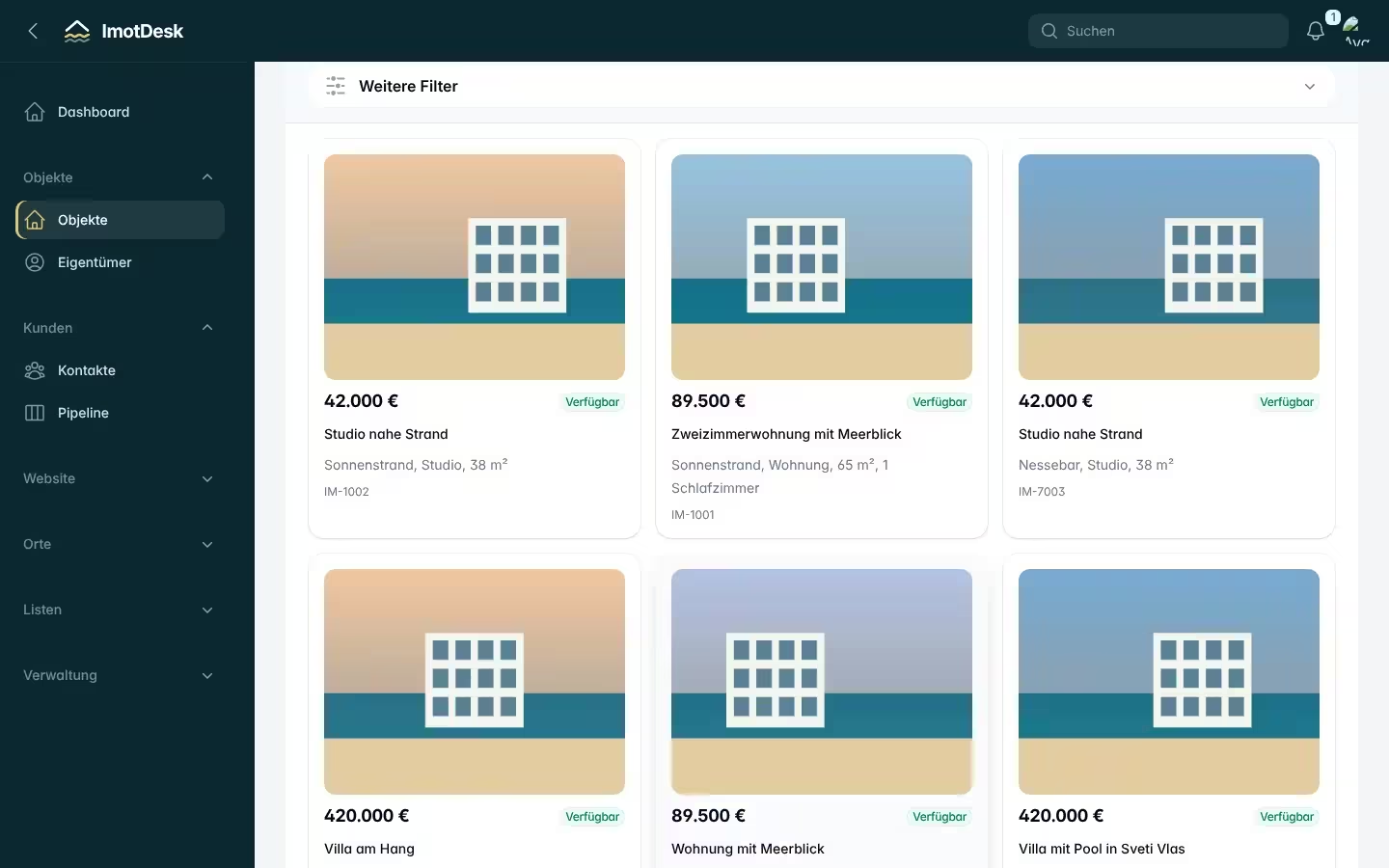
Sign up, enter your company details, invite colleagues and add your first property – step by step.
Read article →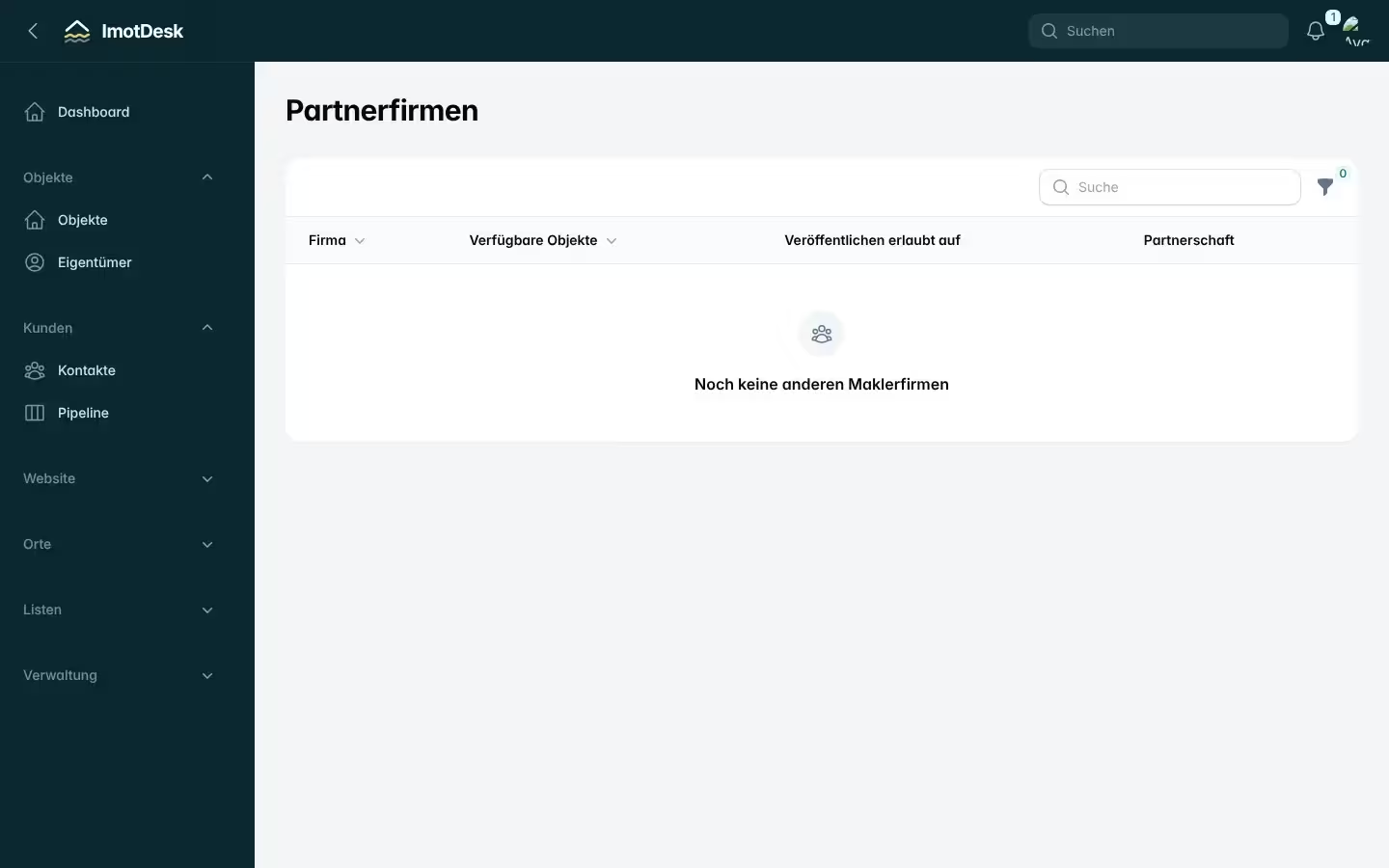
Find partners, share properties, set a commission per property and decide where partners may advertise.
Read article →