Report a problem: errors, questions and wishes straight from ImotDesk
Report with one click – the page is sent along automatically, and you can always see how far the work has progressed.
Read article →Sign up, enter your company details, invite colleagues and add your first property – step by step.
Click Register for free and enter your agency’s name, your name, your email address and a password. You are then the administrator of your company.
Set your language in the user menu at the top right – German, English, Russian, Bulgarian, Polish, Czech or Ukrainian. Under Administration → Companies enter your agency’s address, phone number and logo.
Under Administration → Users add agents and office staff. Every role only sees what it needs: agents, for example, see their properties and clients but no company settings.
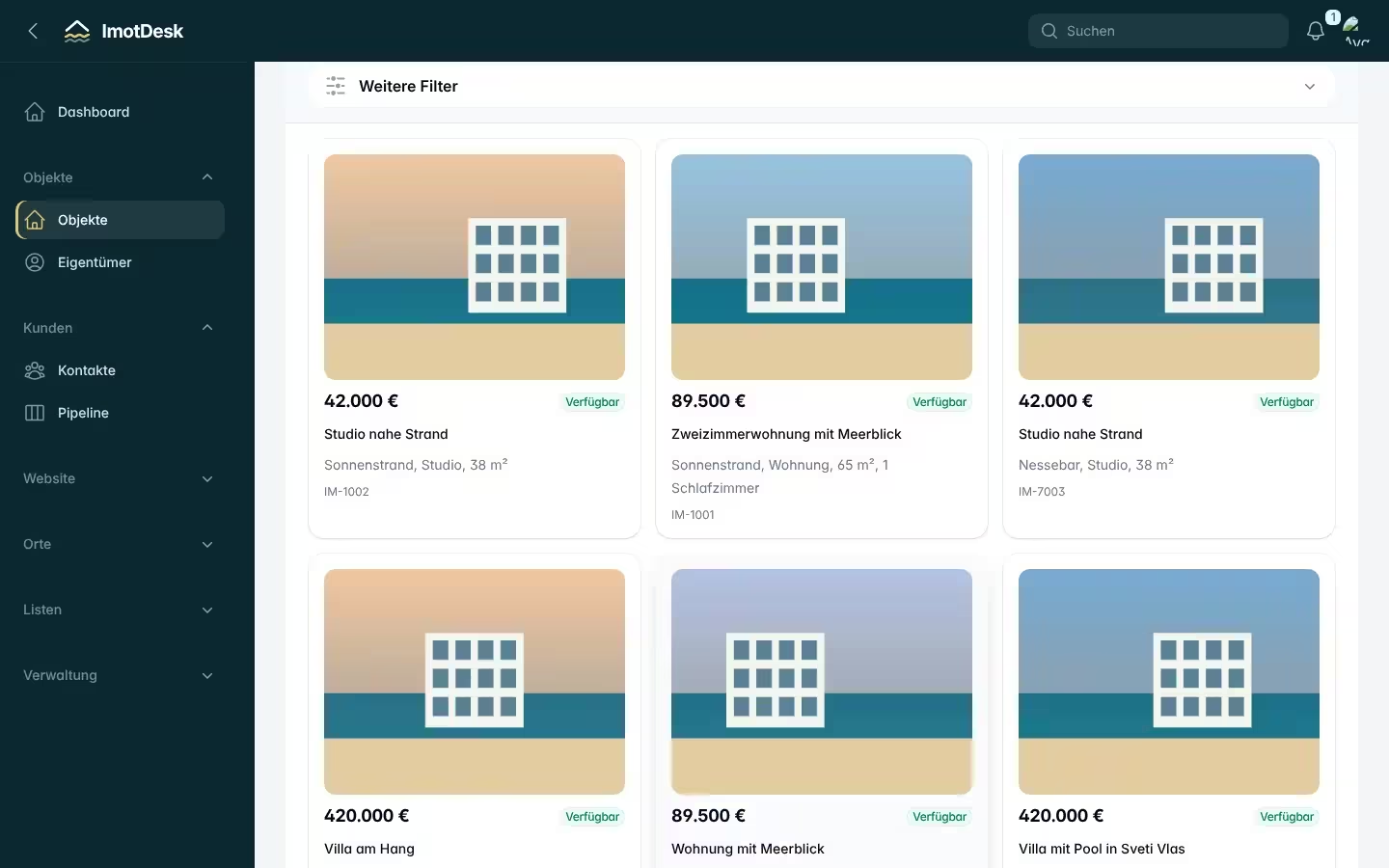
Under Properties → Create choose the place and – on the coast – the complex. ImotDesk then fills in the address, location and amenities of the complex. Add price, area, photos and description. More in the article Adding a property.
Under Customers → Contacts record buyers with their search request. ImotDesk shows matching properties – and lets you know when a new one comes in.
Tip: Every morning the dashboard shows which follow-ups are due.
Report with one click – the page is sent along automatically, and you can always see how far the work has progressed.
Read article →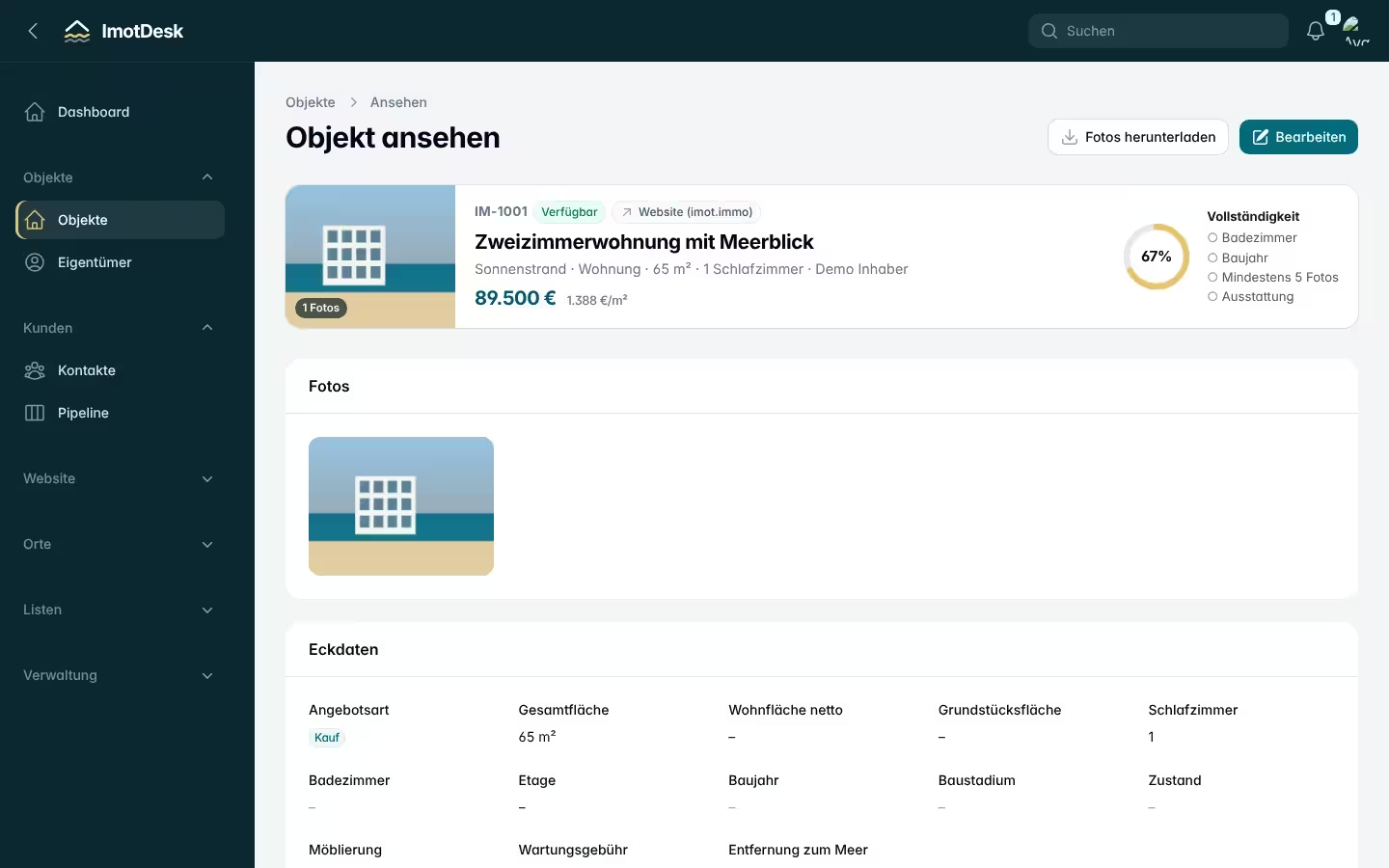
How to create a complete listing in a few clicks – without typing coordinates or complex details.
Read article →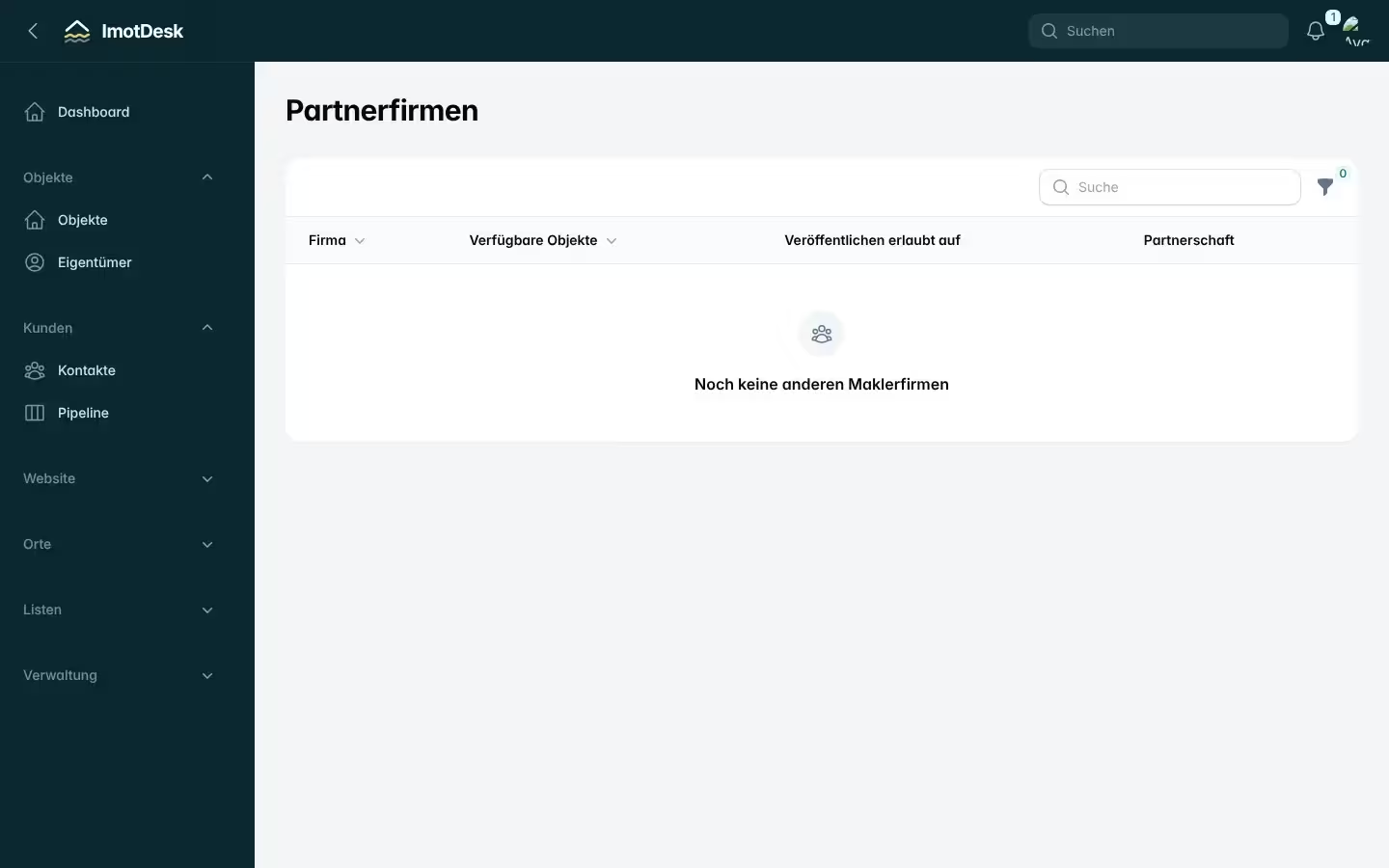
Find partners, share properties, set a commission per property and decide where partners may advertise.
Read article →