Report a problem: errors, questions and wishes straight from ImotDesk
Report with one click – the page is sent along automatically, and you can always see how far the work has progressed.
Read article →Claude works directly with your properties: checks texts, fills in listings for Facebook, OLX or imot.bg and keeps track of what is online where – always with your rights only.
Claude, the AI assistant by Anthropic, can be connected to ImotDesk as a connector. Claude then searches and reads your properties in any chat, corrects texts and fills in listings on other websites – always with your rights in ImotDesk only, never more.
Not possible: reading owner data, internal notes, keys, commission or the exact address, deleting anything or publishing properties of partner companies.
Company management opens Edit company and switches on “Allow AI assistants” in the AI interface section. Switching it off disconnects all connections of the company immediately.
On Team and Enterprise plans, the owner adds the connector under Organization settings → Connectors; staff then only click Connect.
In ImotDesk you find the instructions and your connections in the user menu under AI connections.
Write to Claude, for example:
If ImotDesk does not show up in a chat, switch the connector on for that chat via + → Connectors.
Facebook and most portals have no interface for listings. Claude therefore fills in the form in the browser – with the data from ImotDesk:
Claude pays for nothing and promotes nothing without asking. Portals with an import interface (Kyero, OpenImmo) are better supplied automatically via Exports.
Photos: browser forms need files. Download the photos with Download photos (in the property) into a folder you have shared in the Claude desktop app, or attach them in the chat. Without files, Claude takes screenshots – smaller and slightly cropped.
Clean up regularly: ask about once a week “Which listings do I need to change?”. Claude names listings of sold or withdrawn properties and changed prices and changes them after you agree.
Under AI connections in the user menu you see your connections and can disconnect them. Company management sees the connections of all staff there. Locked users lose access immediately. Changes made via Claude appear in the activity log marked “via AI interface”.
Claude only receives the data it retrieves for your task – via your own Claude account with Anthropic. ImotDesk never hands out owner data or internal fields.
Report with one click – the page is sent along automatically, and you can always see how far the work has progressed.
Read article →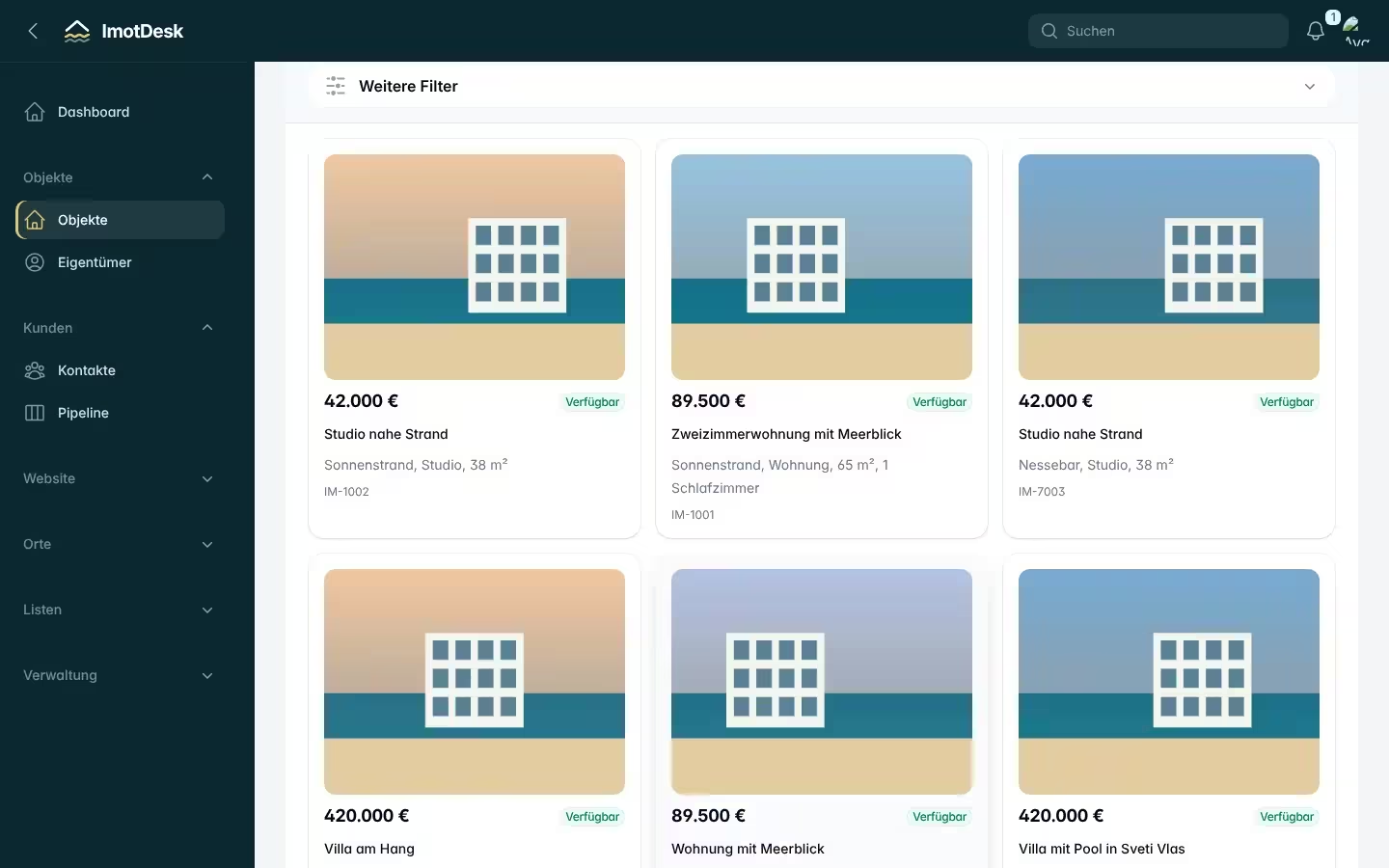
Sign up, enter your company details, invite colleagues and add your first property – step by step.
Read article →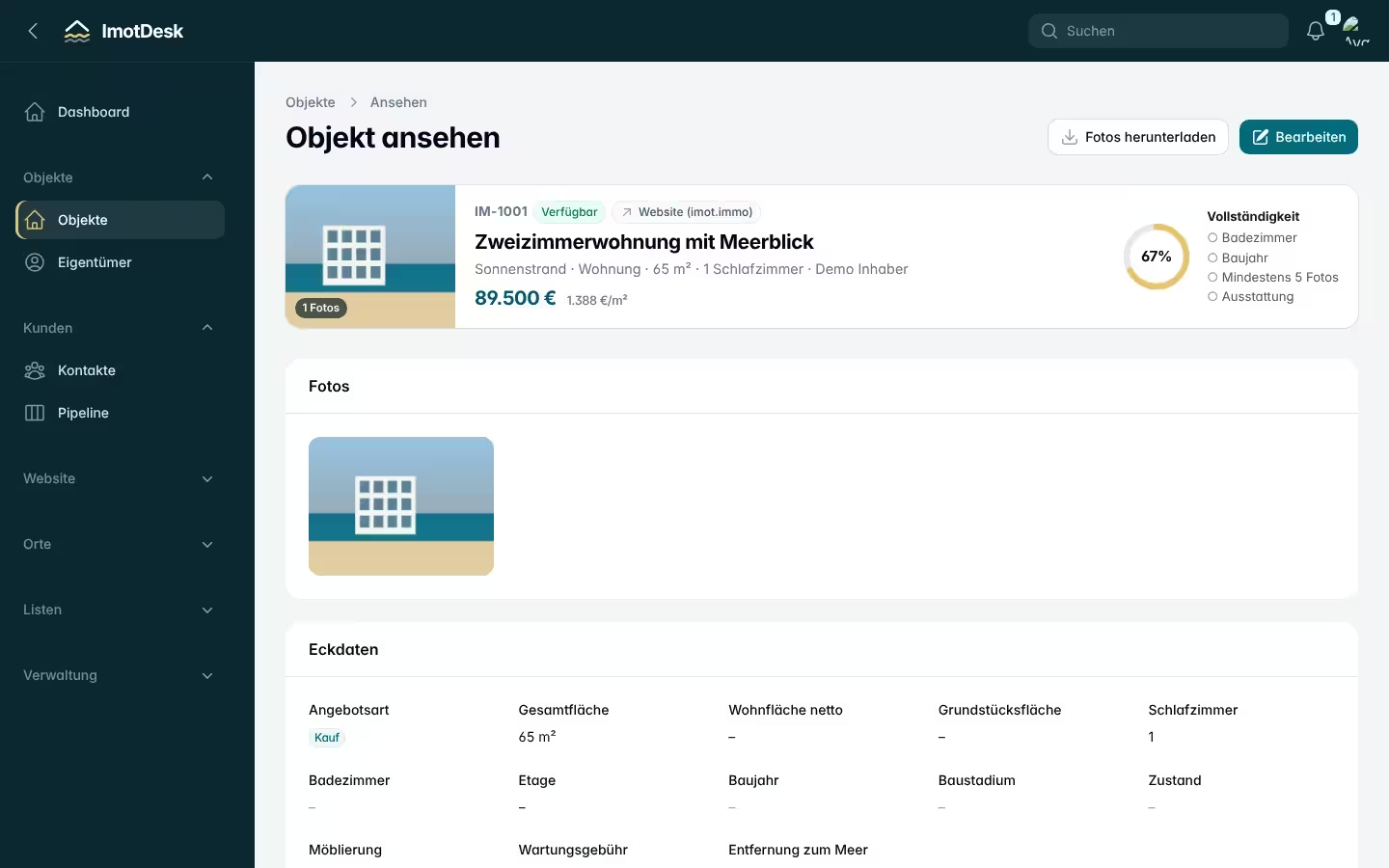
How to create a complete listing in a few clicks – without typing coordinates or complex details.
Read article →